FaceMetric
Studio
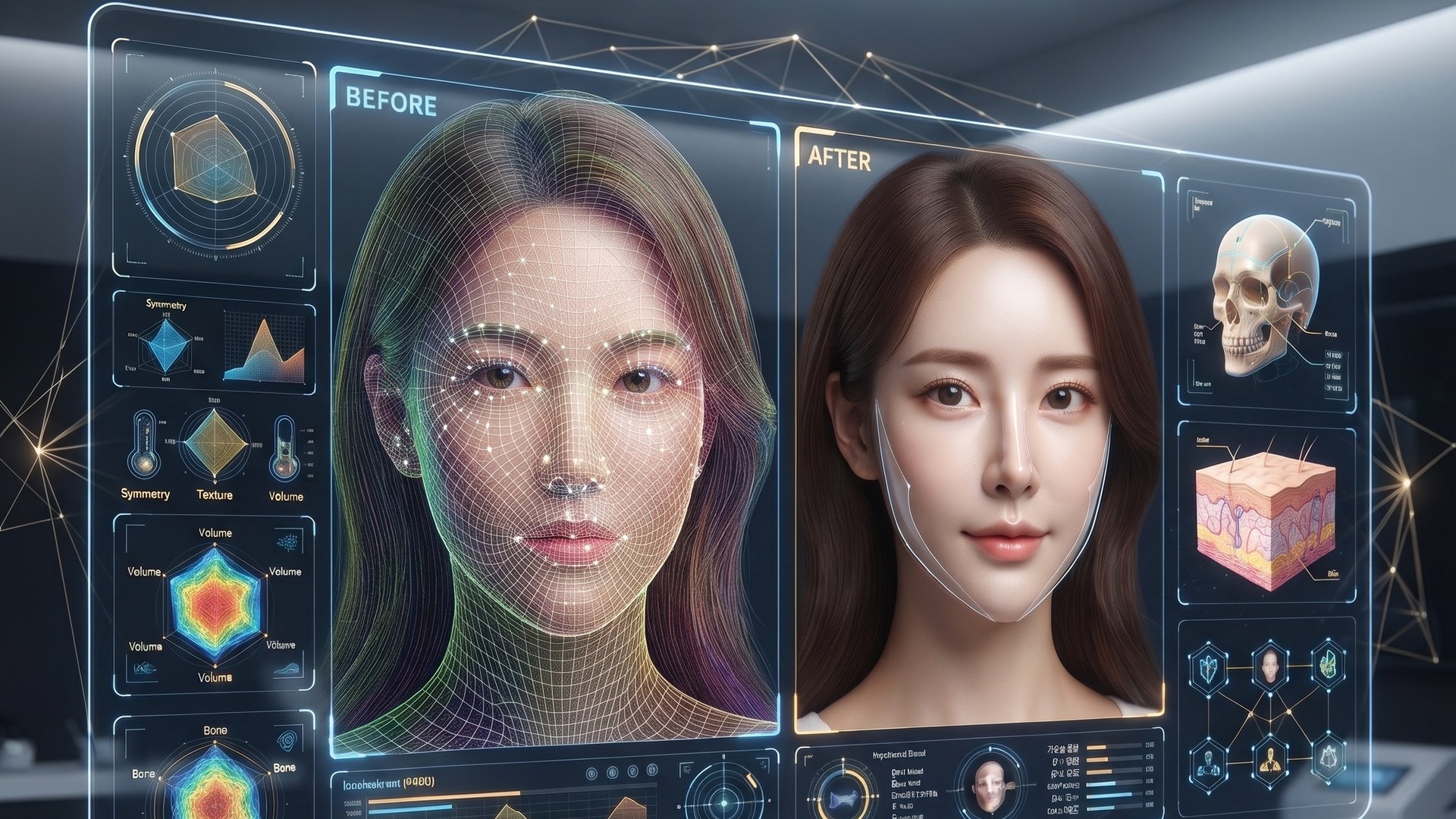
Upload a front or side photo, let the AI find facial landmarks, analyze eye, nose and face-shape proportions, try a virtual surgery simulation, and download the result image.
How to use
Your photos stay private
All analysis runs inside your browser. Uploaded photos are never sent to or stored on our server. Your cases are saved only on your own device — in this browser's storage, or in a PC folder you connect with the “Connect my PC folder” button (Chrome/Edge) — and you can delete them at any time. Downloaded results are saved only to your device.
Use it on your PC
Download the PC package and run start-facemetric.bat (Node.js required) to use it like a desktop app and save cases to a folder on your computer. Or simply download the Windows installer (.exe) above for a one-click install — no Node.js needed.
When you first run the installer, Windows may show a “Windows protected your PC” notice. Click “More info” → “Run anyway” to continue.
Important notice
This simulation is for entertainment and reference only. It is not a medical diagnosis or consultation, and actual surgical results can differ significantly. Please consult a qualified specialist for medical decisions.